
About the Richland County Clerk's Office
The Clerk of Court is Jeanette McBride, a lifelong Columbia resident who was first elected Clerk in 2008. The Clerk is an elected official who oversees court operations for legal professionals, the public, and court officials. The office covers three main court areas: Common Pleas, General Sessions, and Family Court. Each of those areas has its own counter, phone line, and records, which is why a question about a divorce goes to a different desk than a question about a felony case.
The main office is at the Richland County Judicial Center on Main Street. Common Pleas civil records sit in Room 205, while General Sessions criminal records are on the 4th floor. The contact card below has the core details.
Richland County Clerk of Court
Clerk: Jeanette McBride
1701 Main St., Room 205
Columbia, SC 29201
803-576-1950
Mon-Fri 8:30 a.m.-5 p.m.
The official Clerk of Court page is shown below.
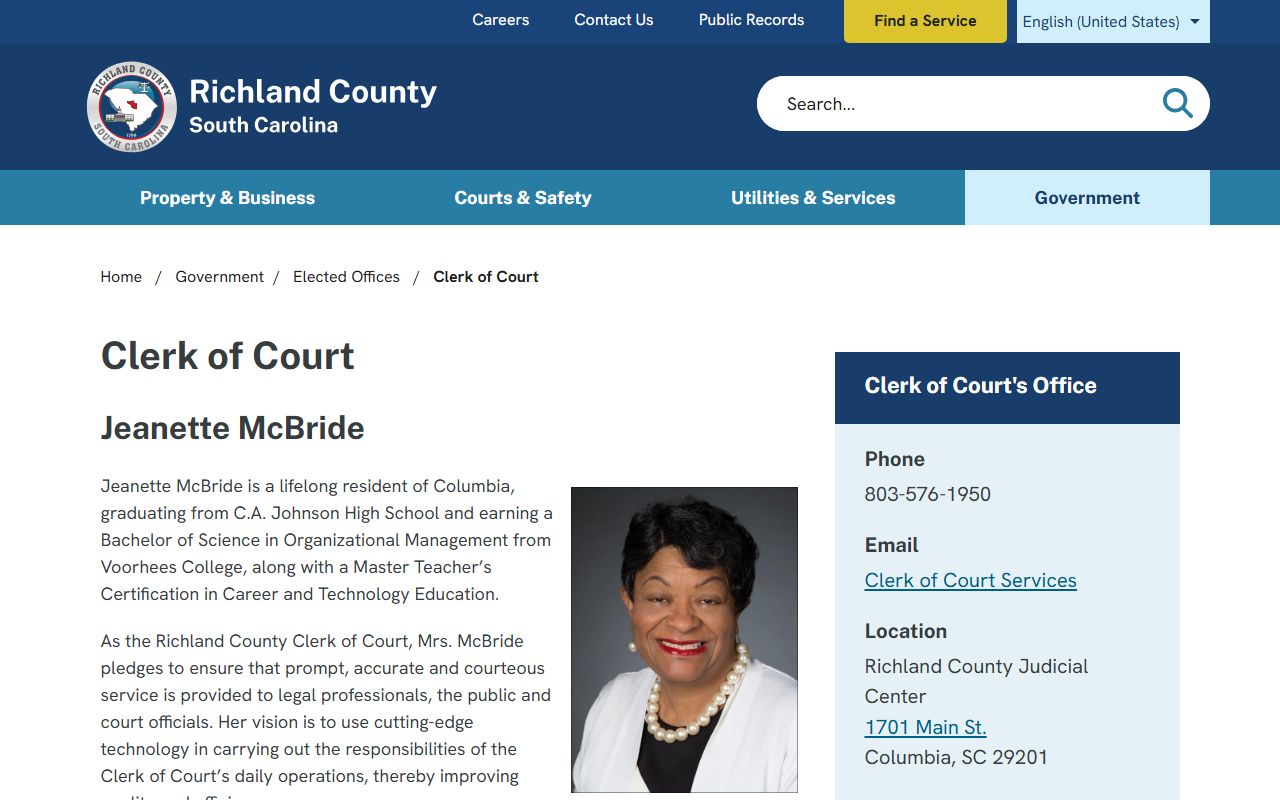
The Clerk of Court page lists the office hours, divisions, and contact lines.
What the Clerk Does in Richland County
The Clerk is the records hub for the circuit-level trial courts. The office accepts filings, keeps the official case files, issues court process, schedules civil rosters and motions, and collects fees and fines. It also maintains judgments and supports the courts day to day. In a county the size of Richland, that work runs to thousands of cases a year across the civil and criminal sides, so the office is built around divisions rather than a single counter. When you contact the Clerk, knowing the court area and the case number gets you to the right person faster.
- Files and stores Common Pleas civil pleadings and records.
- Keeps General Sessions criminal records, including warrants, indictments, sentence sheets, and bond papers.
- Handles Family Court filings for divorce, custody, support, and adoption paperwork.
- Manages civil rosters, motion scheduling, judgments, and juror questions.
- Collects filing fees, fines, and certified-copy charges.
The Clerk's records do not include Magistrate or Summary Court cases, so the office cannot perform a full certified criminal background check; it directs those requests to SLED at 803-737-9000 or SLED CATCH. This is a common point of confusion. People expect the Clerk to hold every criminal record in the county, but summary-court and municipal cases live with those courts, not the Clerk. For a complete history, the state-level SLED check is the right tool, while the Clerk supplies the General Sessions files it actually keeps.
Clerk of Court Divisions
Each court area has its own desk and rules. Common Pleas handles civil lawsuits from Room 205, with fax 803-576-1785 and mail to P.O. Box 2766, Columbia, SC 29202. General Sessions handles felony and serious criminal records on the 4th floor, and filings can be emailed to gsfilings@richlandcountysc.gov. Family Court handles domestic matters from the 1st Floor West Wing at 803-576-3320, with a $150 fee to start any case.
The General Sessions page explains how criminal records and expungement orders are handled. It is shown below.
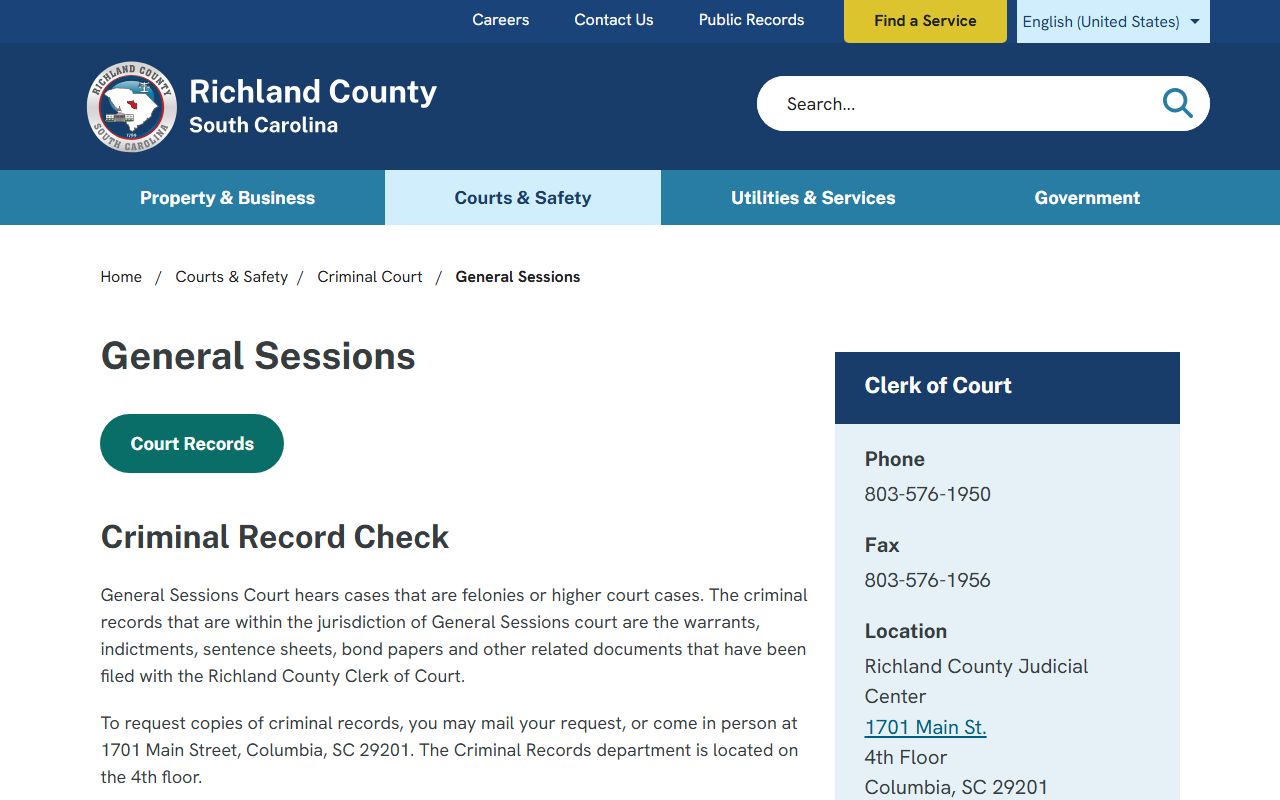
One firm rule: an expungement-order payment to the Clerk must be a postal money order or cashier's check, or the order will not be filed. Each division also has its own contact path. Common Pleas covers civil lawsuits, rosters, motion scheduling, and judge operational orders. General Sessions covers felony and serious criminal cases, and its records department on the 4th floor is where criminal copies are requested by mail or in person. Family Court handles divorce, custody, support, and adoption paperwork, but it does not provide generic forms and points filers to legal counsel or the USC Law Library.
How to Request a Certified Copy
A certified copy is the official, court-stamped version you need for legal, benefits, or appeal purposes. A plain copy or a printout from the public index is not certified. Courts, agencies, and employers often require the certified version, so check what the receiving party needs before you order. To request one, work through the division that holds the case, since civil, criminal, and family copies come from different desks.
- Find the case number through the Public Index or your own paperwork.
- Contact the right division: Common Pleas for civil, General Sessions for criminal, or Family Court for domestic cases.
- Submit the request in person or by mail with the required fee and confirmed payment type.
- Pick up the certified copy or wait for it to arrive by mail.
Mailed criminal-record requests go to Richland County Clerk of Court, Attn: Criminal Records, P.O. Box 2766, Columbia, SC 29202. Call 803-576-1950 to confirm the current copy fee before you send payment, since the per-page rate was not posted online and payment rules differ by request type.
Records Request Form Fields
Whether you call, mail, or visit, have these details ready so the Clerk can find the file and process the copy.
| Field | Required | Notes |
|---|---|---|
| Case Number | Helpful | Speeds the search; format codes the court and county. |
| Party Names | Yes | Used when the case number is unknown. |
| Document Type | Yes | Order, judgment, sentence sheet, or full file. |
| Number of Copies | Yes | Per-copy fee applies; confirm with the division. |
| Certified or Plain | Yes | Certified copies carry an added certification step. |
Clerk Phone Directory
The Clerk's work is split across many lines, so the right number saves time. The county Criminal Court phone list breaks out functions in detail.
- Civil records, certified copies, or 2005-and-prior divorce decrees: 803-576-1952.
- Divorces 2006-present, name changes, child support: 803-576-3326.
- Fine payments: 803-576-1949.
- Judgments: 803-576-3371 or 803-576-1938.
- Juror questions: 803-576-1931.
- Case roster scheduling: 803-576-1932.
For liens, tax liens, powers of attorney, mortgages, and deeds, the county lists 803-576-1917. For estates, wills, and marriage licenses, Probate is at 803-576-1961.
Richland County Clerk Fees
Some Clerk fees are published and some are not. The Family Court filing fee is set, while the per-page certified-copy fee was not posted on the county pages reviewed. Call the Clerk to confirm a copy fee before mailing payment.
| Item | Amount |
|---|---|
| Family Court case filing fee | $150 |
| Plain copy per page | Call Clerk; not published online |
| Certified copy per page | Call Clerk; not published online |
| Expungement order filing payment | Postal money order or cashier's check only |
Common Clerk Resources
A few official tools cover most needs. The statewide Public Index is the case lookup, and the Rule 610 form is for bulk or compiled judicial data. Note that Family Court does not hand out generic divorce, custody, or adoption forms; it points filers to legal counsel or the USC Law Library.
- Richland County Public Index - search civil, criminal, and family cases.
- Rule 610 request - for bulk or compiled judicial data.
Mail and Online Filings
Case dockets are searchable online through the statewide Public Index, which runs on the South Carolina Judicial Branch system. General Sessions filings can be emailed to gsfilings@richlandcountysc.gov, and Common Pleas mail goes to P.O. Box 2766, Columbia, SC 29202. For document copies that are not downloadable from the public view, you still contact the Clerk division that holds the case. Mailing in a request can be slower than an in-person visit, so include a clear case number, a return address, and the correct payment to avoid a delay.
Older divorce decrees split by year at the Clerk, so confirm which line to use before mailing a request. The public index is a docket and index system, not a source of certified copies.
The Clerk and the Public Index
The Clerk's records and the statewide Public Index work together. The Public Index is the online window into the case files the Clerk maintains, so a name or case-number search there pulls the docket the Clerk keeps. But the index is not a replacement for the Clerk. It shows docket and index data, not certified documents, and it does not include every summary or municipal case.
So the two serve different needs. Use the Public Index to find a case, read its docket, and confirm the case number. Then go to the Clerk division for a certified copy or for a document the public view does not provide. Knowing this split keeps you from making a trip downtown for something the index already shows, and from relying on an index printout when a court needs a certified copy.